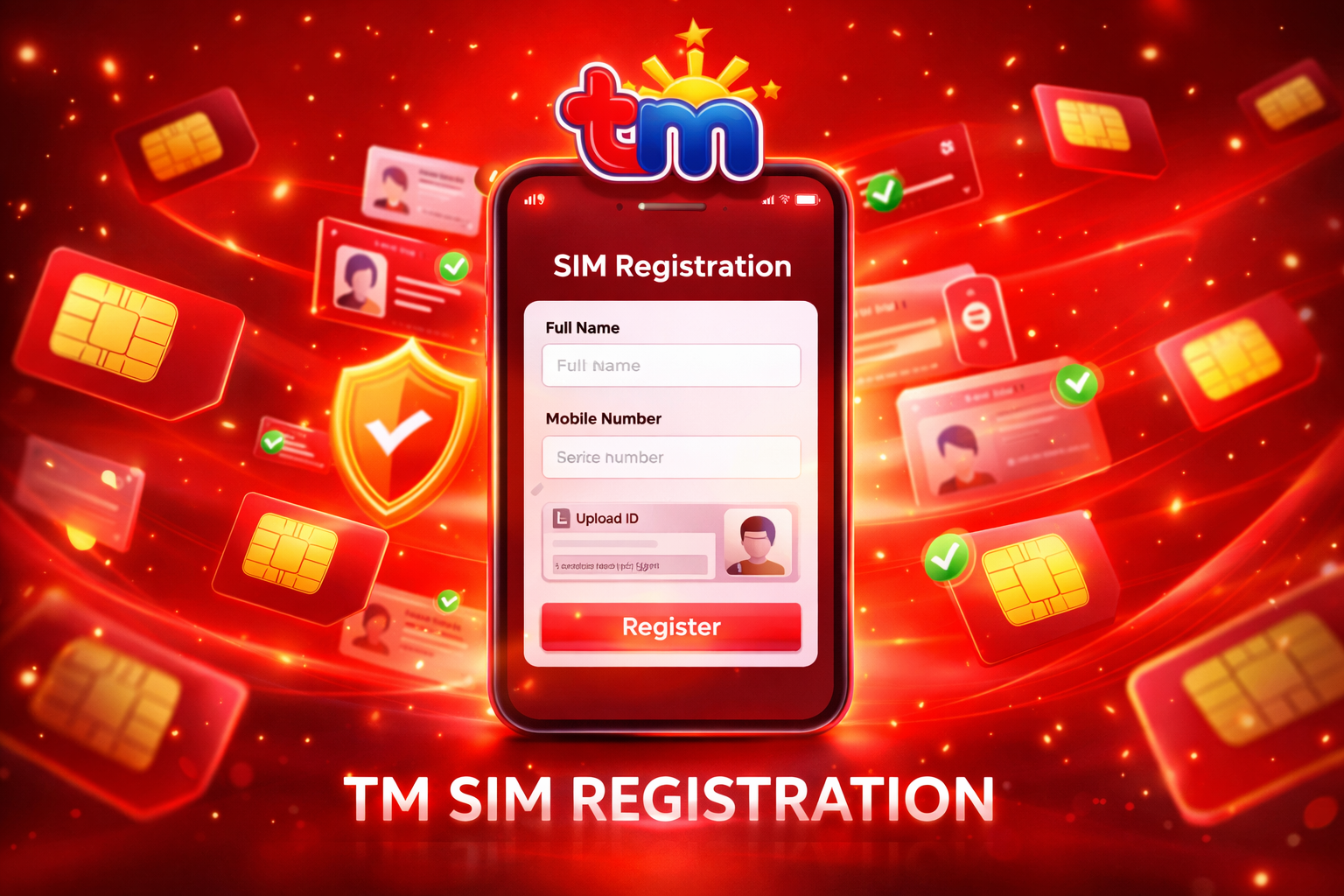
If you’re using a TM SIM in the Philippines, SIM registration TM is not optional—it’s required by law. Under the SIM Registration Act, all mobile users must register their SIM cards to keep their numbers active and secure.
If you skip this process, your SIM can be permanently deactivated. That means no calls, no texts, and no mobile data. This guide walks you through everything—from requirements to troubleshooting—so you can register your TM SIM smoothly without confusion.
Why TM SIM Registration Matters
TM (Touch Mobile), powered by Globe Telecom, requires SIM registration to improve user safety and reduce fraud.
Key Benefits:
- Protection against scams and spam
- Secure mobile identity
- Access to promos and digital services
- Compliance with government regulations
Who Needs to Register?
All TM users must complete SIM registration, including:
- Prepaid TM users
- New SIM buyers
- Existing unregistered SIM holders
- Tourists using TM SIM
- Businesses using bulk SIMs
- Minors (registered under a guardian)
Simply put, if you use TM, you must register.
TM SIM Registration Requirements
Before starting, make sure you have everything ready.
Required Information:
- Full Name (as per ID)
- Date of Birth
- Address
- Active TM number
Accepted Valid IDs:
- Passport
- Driver’s License
- UMID
- National ID
- Voter’s ID
Additional Requirement:
- Clear selfie holding your ID
Tip: Most rejections happen due to blurry images or mismatched details.
How to Register TM SIM (Step-by-Step)
Follow these steps carefully to complete your registration:
Step 1: Visit the Official Portal
Go to the TM/Globe SIM registration page.
Step 2: Enter Your Mobile Number
Input your TM number (no +63). Make sure your SIM is active.
Step 3: Verify OTP
Enter the OTP sent via SMS. Do not refresh the page.
Step 4: Fill Personal Details
Enter your correct information and match details exactly with your ID.
Step 5: Upload ID and Selfie
Upload a valid ID and a clear selfie holding the ID.
Step 6: Submit and Save Reference
Submit the form and save your reference number.
Processing Time:
The form takes around 5–10 minutes to complete, while verification can take up to 72 hours.
Alternative Ways to Register TM SIM
You are not limited to just the website.
Via GlobeOne
Download the app, tap “Register SIM,” and follow the same steps.
Using GCash
Open the app, follow the SIM registration prompt, and submit your details.
Visit a Globe Store
This is recommended if you do not have internet access, face technical issues, or need to register for minors.
Special Cases Explained
Minors
Must be registered under a parent or guardian with supporting documents such as a birth certificate.
Foreigners
Need a passport and valid visa or travel documents.
Postpaid Users
Usually pre-registered but should confirm via SMS.
See also: Why Edge Technology Is Critical for IoT
Common Problems and Fixes
Problem: OTP not received
Cause: Weak signal
Solution: Retry or restart your phone
Problem: ID rejected
Cause: Blurry image
Solution: Upload a clearer photo
Problem: Pending status
Cause: Verification delay
Solution: Wait 24–72 hours
Problem: Already registered
Cause: Duplicate entry
Solution: Visit a Globe store
What Happens If You Don’t Register?
If you do not register your TM SIM, it may be deactivated. You will not be able to make calls, send SMS, or use mobile data. There may also be legal consequences. It is best to complete registration as soon as possible.
Tips for Successful Registration
- Use a stable internet connection
- Double-check all details before submitting
- Avoid refreshing during OTP verification
- Upload clear and well-lit images
- Save your reference number
FAQs
Is TM SIM registration free?
Yes, it is completely free. You should not pay any website or individual.
Can I register multiple TM SIMs?
Yes, but each SIM must be registered separately.
How long does it take?
It takes about 5–10 minutes to submit the form and up to 72 hours for verification.
Can I update my details later?
Yes, you can update your information through official platforms if needed.
Final Thoughts
TM SIM registration is simple but essential. Most issues occur due to small mistakes such as incorrect details or unclear photos. If you follow the correct steps and provide accurate information, the process will be smooth.
Register your TM SIM today to avoid service interruption and stay connected without any problems.